How to Turn a Podcast Into a Blog Post (Step by Step)
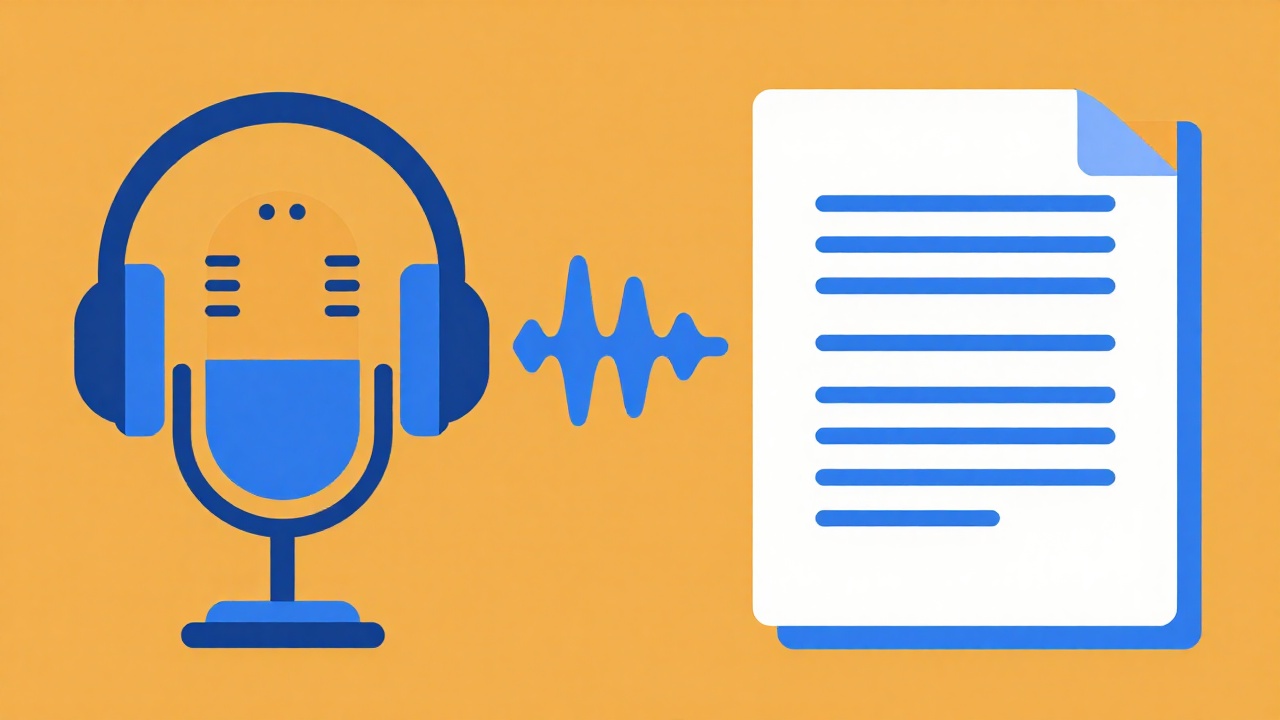
A podcast episode is a goldmine of ideas that search engines never hear. To turn a podcast into a blog post, you transcribe the audio, restructure it into a readable article, and optimize it for search. Done well, one episode becomes a page that ranks for years, and a video to blog tool can run the same flow when your episode has a video version. Here is the full workflow.
TL;DR
- Podcasts are audio, and audio does not rank on Google. Text does.
- Transcribe the episode, restructure it, and optimize it around one keyphrase.
- Add a cover image and embed the episode so listeners can still play it.
- A tool can do the whole flow from a link in seconds.
Table of contents
Why turn a podcast into a blog post
Podcasts are great for depth and connection, but they are invisible to search. Nobody finds your episode by typing a question into Google. A blog post fixes that:
- Search traffic. A written version can rank and bring in new listeners every day.
- Accessibility. Some people prefer to read, or want to skim before they commit to an hour of audio.
- Repurposing. One episode becomes an article, show notes, quotes, and social posts.
- Discovery. AI assistants like ChatGPT and Perplexity quote text, not audio.
The conversation already happened. Turning it into text just unlocks an audience that would never have hit play.
Before you start
You need the episode audio (or its video version) and a target keyphrase. Interview and solo episodes both work well, because the spoken content is rich. Pick one keyphrase that matches what the episode is really about, ideally the question a listener would search.
If your podcast has a YouTube version, you can use that URL directly, which makes the whole process faster. See our YouTube-to-blog guide for the video workflow.
Step by step
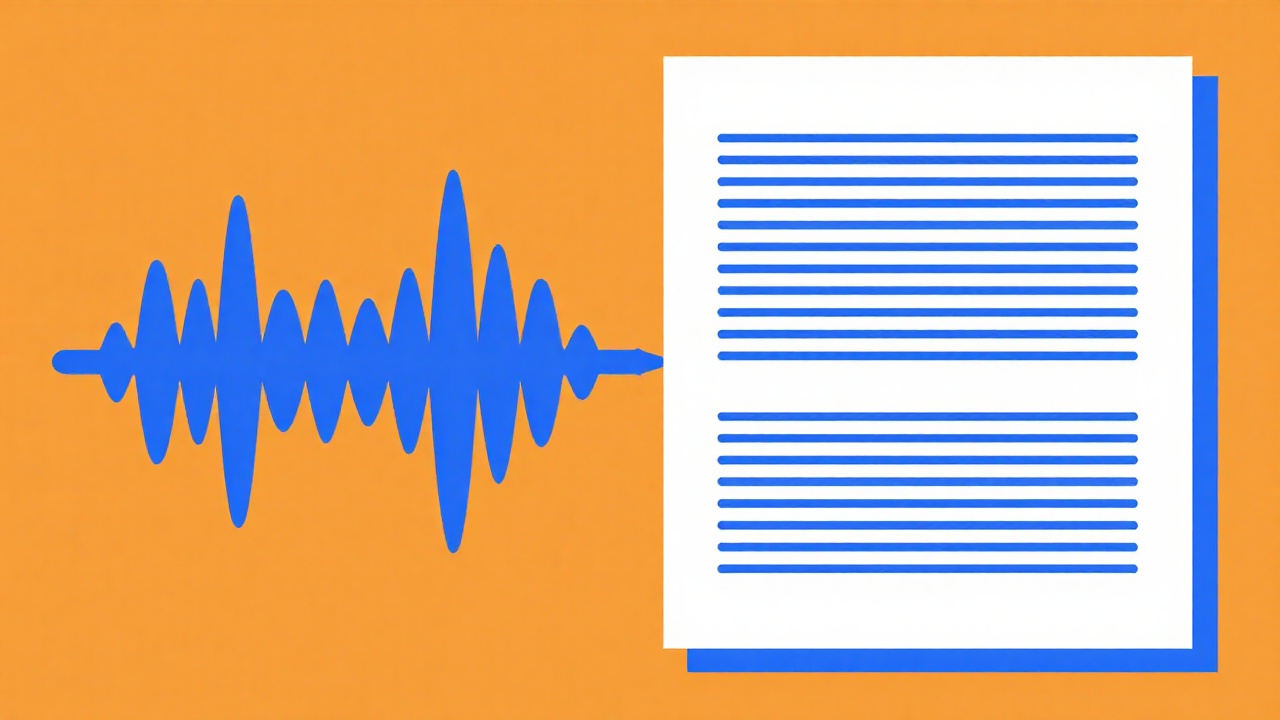
- Transcribe the episode. Use a transcription tool or the auto-captions if you have a video version. See how to transcribe a video for the details.
- Clean the transcript. Remove filler, false starts, and cross-talk. Interviews need extra cleanup because two people overlap.
- Restructure into an article. Add an
H1with your keyphrase, then group the conversation intoH2andH3sections by topic, not by who spoke. - Write a strong intro. Summarize the episode's main takeaway in the first two sentences.
- Optimize for SEO. Add a meta title, description, slug, and an FAQ built from the questions in the episode.
- Add media and publish. Embed the episode player, add a cover image, then publish and interlink.
Interviews convert especially well, because the questions become natural headings and the answers become sections.
Make the post rank
A published post is not the same as a ranking post. To compete:
- target one keyphrase and use it in the title, intro, and a heading
- answer the core question in the first two lines
- add an FAQ from real listener questions
- link to related posts and a clear call to action
- aim for the depth of the pages already ranking
Treat the transcript as a draft, not the final text. Tighten it, add context the audio assumed, and make it read like an article rather than a transcript. To get more out of each episode, see how to turn one video into a week of content.
FAQ
Do I need a video version of my podcast? No. A video version makes transcription easier, but you can transcribe audio directly.
How do I handle two speakers in an interview? Restructure by topic, not by speaker. Turn the host's questions into headings and the guest's answers into the content.
How long should the article be? Usually 1,000 to 2,000 words for a focused post. Match the depth of what already ranks.
Should I publish the full transcript? No. A raw transcript is repetitive and reads poorly. Restructure it into a real article.
Conclusion
Every podcast episode is an article waiting to be written, and the hardest part, the thinking, is already done. Transcribe it, shape it, and publish it to reach the readers who will never press play. Fold this into a broader content repurposing strategy and a single episode becomes a whole week of content across formats and channels.
Try video2blog.ai free and turn your next episode into an article in seconds.
Turn your YouTube video into a blog post
Try for free